Create your account
Who this is for
Section titled “Who this is for”The person who sets up the company on Ochema. The account you create is the Owner of the company: it can change every setting and invite the rest of the team.
Before you start
Section titled “Before you start”- The name of your company and its time zone. You can change both later in Platform > Company.
- An email address you can read. It is the email you sign in with.
- A password of at least 10 characters.
- On ochema.app, select Start free. The Create your company page opens. If you are on the Sign in page instead, select Create a company account.
- Under Company, type the Company name and choose the Company time zone. The time zone is used for schedules and reports.
- Under Your account, type your Full name, your Email and a Password of at least 10 characters.
- Select Create company.
Open the screenshot at full size in a new tab: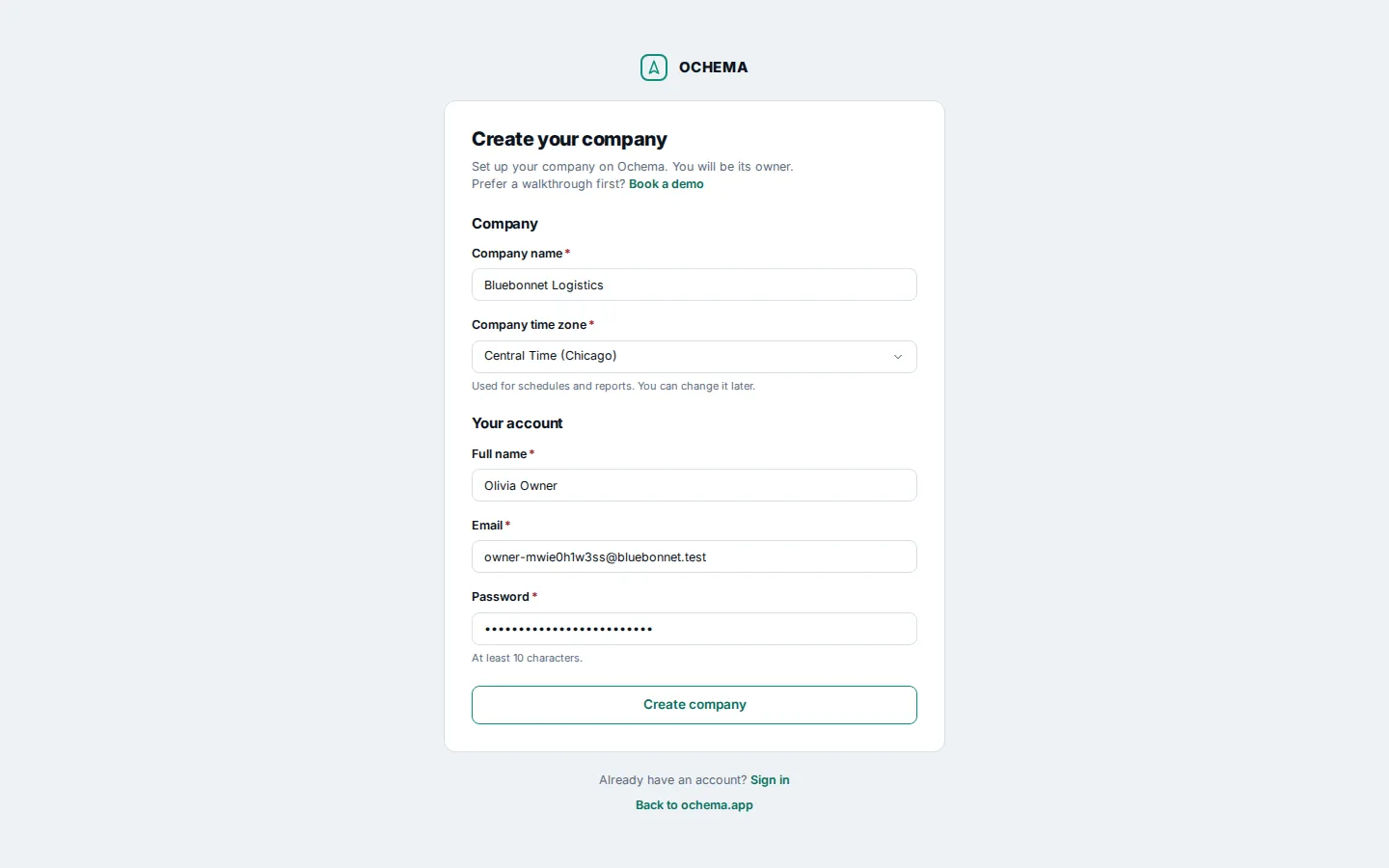
The page works the same on a phone:
Open the screenshot at full size in a new tab: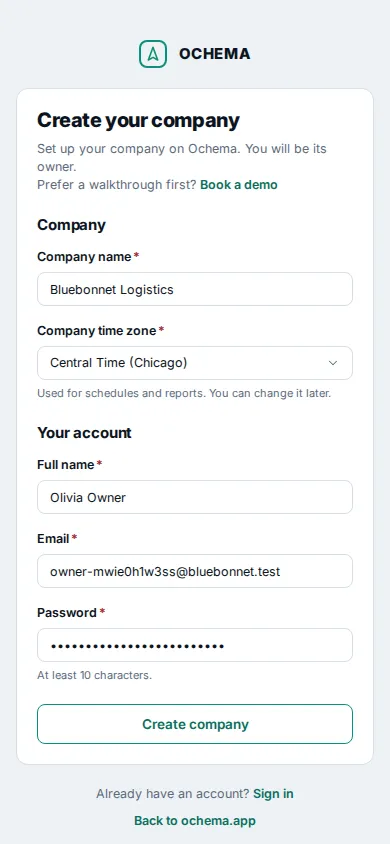
What happens next
Section titled “What happens next”You are signed in, and Home opens with Welcome and your first name. Under it, the Getting started list shows the four steps that take your company to its first applications. See The Getting started list.
To sign in again later, open the Sign in page, type your Email and Password and select Sign in. If you forgot your password, select Forgot password? on the same page.
Open the screenshot at full size in a new tab: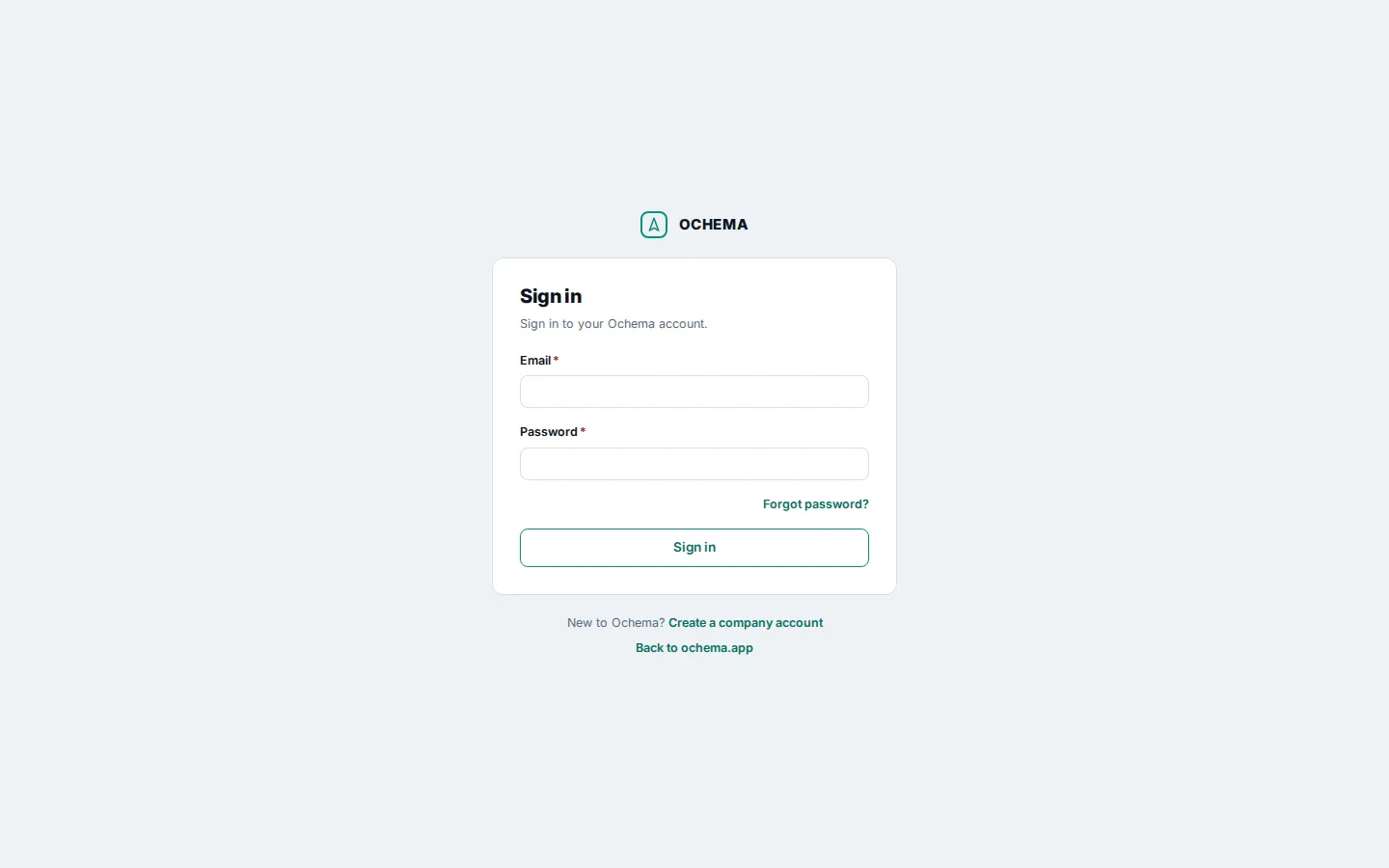
Open the screenshot at full size in a new tab: